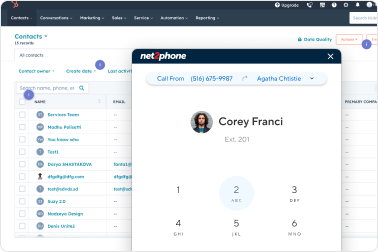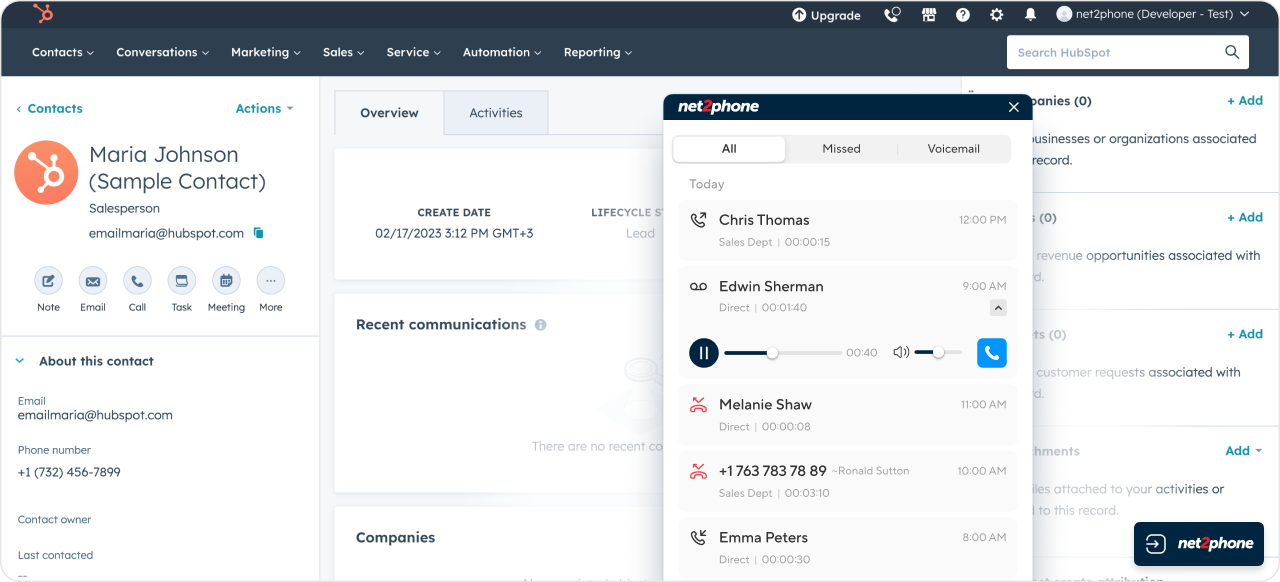
HubSpot Integration Widget Install Guide: Step-by-Step Instructions
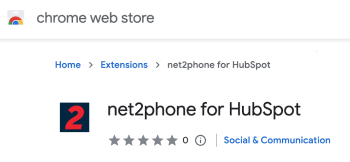
2
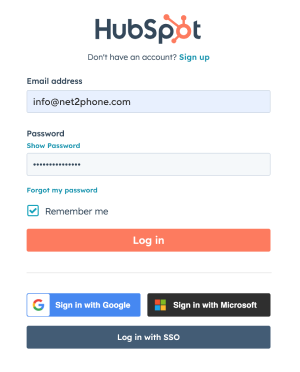
Log in to your HubSpot account
Use your usual HubSpot login here. There are
no extra logins to manage with net2phone.
3
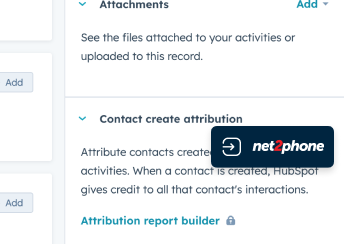
Click on the button net2phone in HubSpot
4
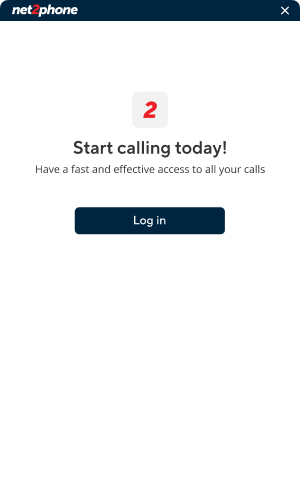
Log in net2phone Integration Widget
5
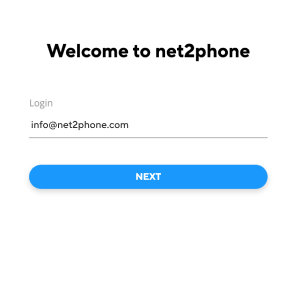
Log in net2phone Account
6
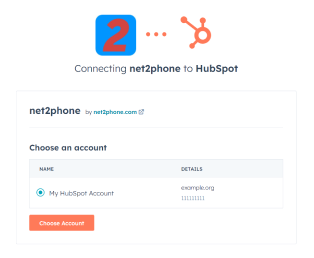
Choose your HubSpot account
7
Awesome! You are in net2phone Widget